
Introduction
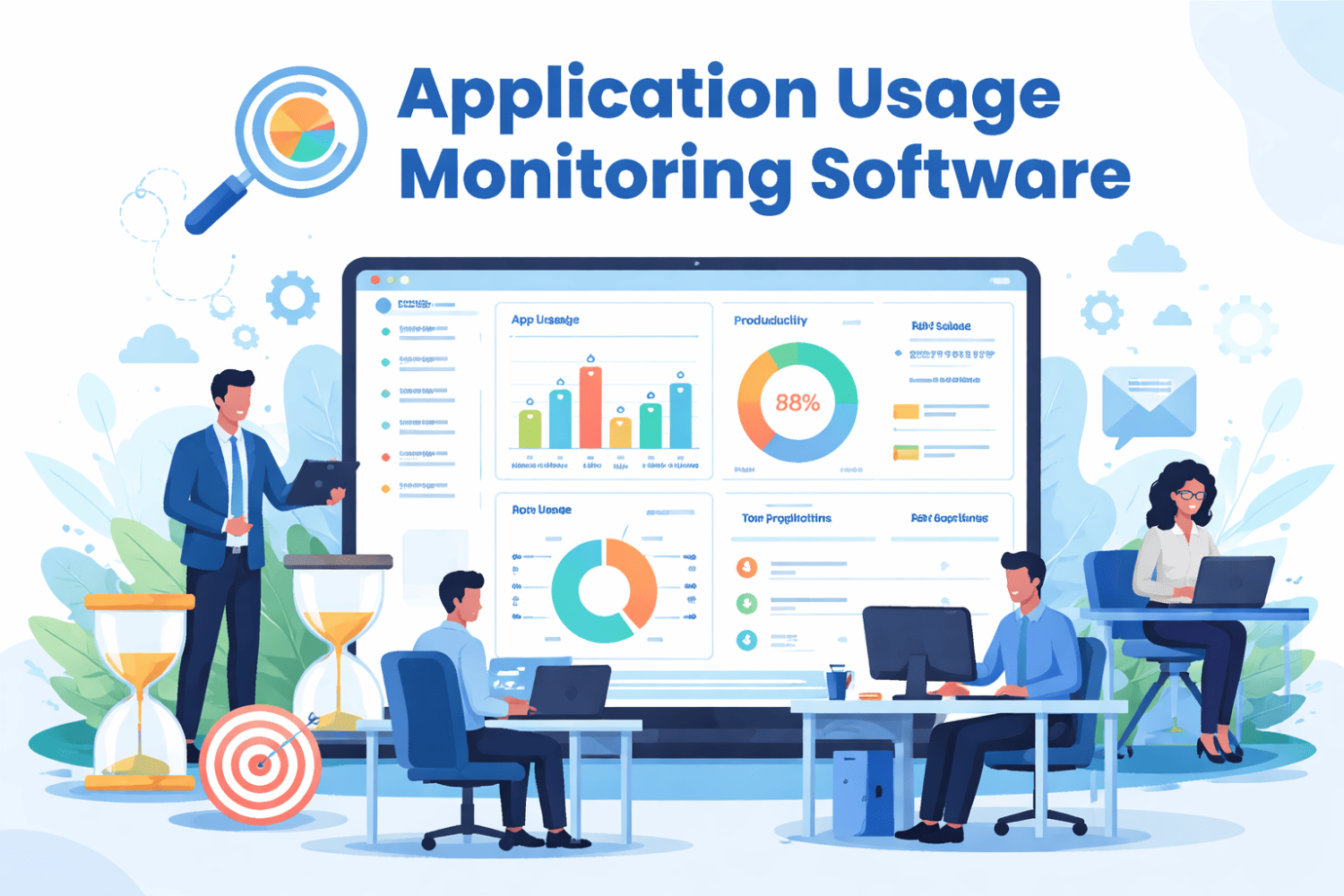
An application usage tracking tool monitors which applications your team opens, how long they spend in each one, and the patterns behind daily work. It gives IT leaders and managers clear visibility into software use across desktops, laptops, servers, and remote devices.
This helps companies:
- Understand software usage
- Improve productivity
- Reduce wasted software cost
- Control IT spending
Why Companies Waste Up to 30% Software Budget
Many companies pay for tools that are not fully used. Common problems include:
- Unused software licenses
- Former employees still assigned seats
- Duplicate tools across departments
- Shadow IT (unapproved apps)
Example:
A marketing team thought they needed 21 tools, but only 6 were actively used after tracking. This saved $40,000 in one quarter.
For large companies, hidden software waste can reach hundreds of thousands of dollars annually.
An application usage tracking tool helps remove this waste with real data.
How Application Usage Tracking Tools Work
These tools run in the background using lightweight agents or cloud integrations.
They collect:
- App launch data
- Active vs idle time
- User-level activity reports
- Trend and usage patterns
They may also integrate with:
- SSO systems (Okta, Microsoft Entra ID)
- SaaS APIs (Slack, Zoom, Salesforce)
- Browser activity tools
Pro Tip: Start with SSO integration first for quick insights without full installation.
Shadow IT Problem and Solution
Shadow IT refers to apps used without IT approval. This creates:
- Security risks
- Duplicate spending
- Compliance issues
Tracking tools detect:
- Unauthorized app usage
- Hidden subscriptions
- Unused licenses
Benefits:
- Reduce unnecessary costs
- Improve security control
- Strengthen vendor negotiation power
Top Features to Look For
- App usage tracking (active vs idle time)
- User-level reporting
- Trend and behavior analysis
- Alerts for new or unused apps
- Integration with SSO and SaaS tools
- Privacy and anonymized reporting options
Important: Choose tools that balance visibility with privacy.
Popular Tools in 2026
- WorkDesQ– Productivity and behavior analytics
- Teramind – Enterprise security and monitoring
- Hubstaff – Simple tracking for remote teams
Small teams prefer simple tools, while enterprises choose advanced systems.
Privacy and Trust
Transparency is very important when using tracking tools.
Best practices:
- Inform employees before setup
- Clearly explain what is tracked
- Avoid hidden monitoring
- Allow data visibility for employees
Legal requirements like GDPR and local labor laws may apply depending on region.
30-Day Implementation Plan
Week 1: Announce purpose and goals
Week 2: Connect SSO and run initial scan
Week 3: Pilot with one team
Week 4: Full rollout and reporting
Focus on:
- Coaching, not punishment
- Transparency
- Regular feedback
Myths About Application Tracking Tools
Myth 1: It is spying
→ Reality: It improves accountability and transparency
Myth 2: It is invasive
→ Reality: You control data depth and visibility
Myth 3: Screenshots are required
→ Reality: Usage data alone is enough
Myth 4: Only large companies need it
→ Reality: Small teams also save money
Myth 5: Setup is one-time
→ Reality: Needs regular review and updates
Case Study Example
A 180-person company reduced:
- 87 SaaS tools → 52 tools
- Reclaimed 140 unused licenses
- Saved $87,000 annually
They also improved team efficiency by removing duplicate tools.
FAQs
What does application usage tracking tool do?
It tracks app usage time, activity levels, and user behavior.
Is it legal?
Yes, when used with proper employee notice and compliance rules.
How long does setup take?
1 day for basic setup, 2–4 weeks for full rollout.
Does it slow systems?
No, most tools use less than 1% CPU.
Can it track mobile apps?
Yes, with MDM-integrated solutions.
How do you measure success?
By tracking license savings, reduced shadow IT, and productivity gains.
Final Thoughts
An application usage tracking tool helps companies control software costs and improve visibility.
Key success factors:
- Start small
- Stay transparent
- Review data regularly
- Focus on improvements, not control
When used correctly, it delivers:
- Lower costs
- Better efficiency
- Stronger IT governance